
If you’re still tracking customers through spreadsheets, sticky notes, or scattered chat threads, you’re likely losing leads without even realizing it. That’s exactly the problem a CRM system solves, and this Best CRM guide walks you through everything a beginner needs to know before choosing one.
We’ll cover what CRM actually means, the different types available, key features to look for, and how to avoid common mistakes during implementation. Whether you’re a startup in Madurai or an established enterprise, understanding CRM fundamentals is the first step toward better customer relationships and stronger sales growth.
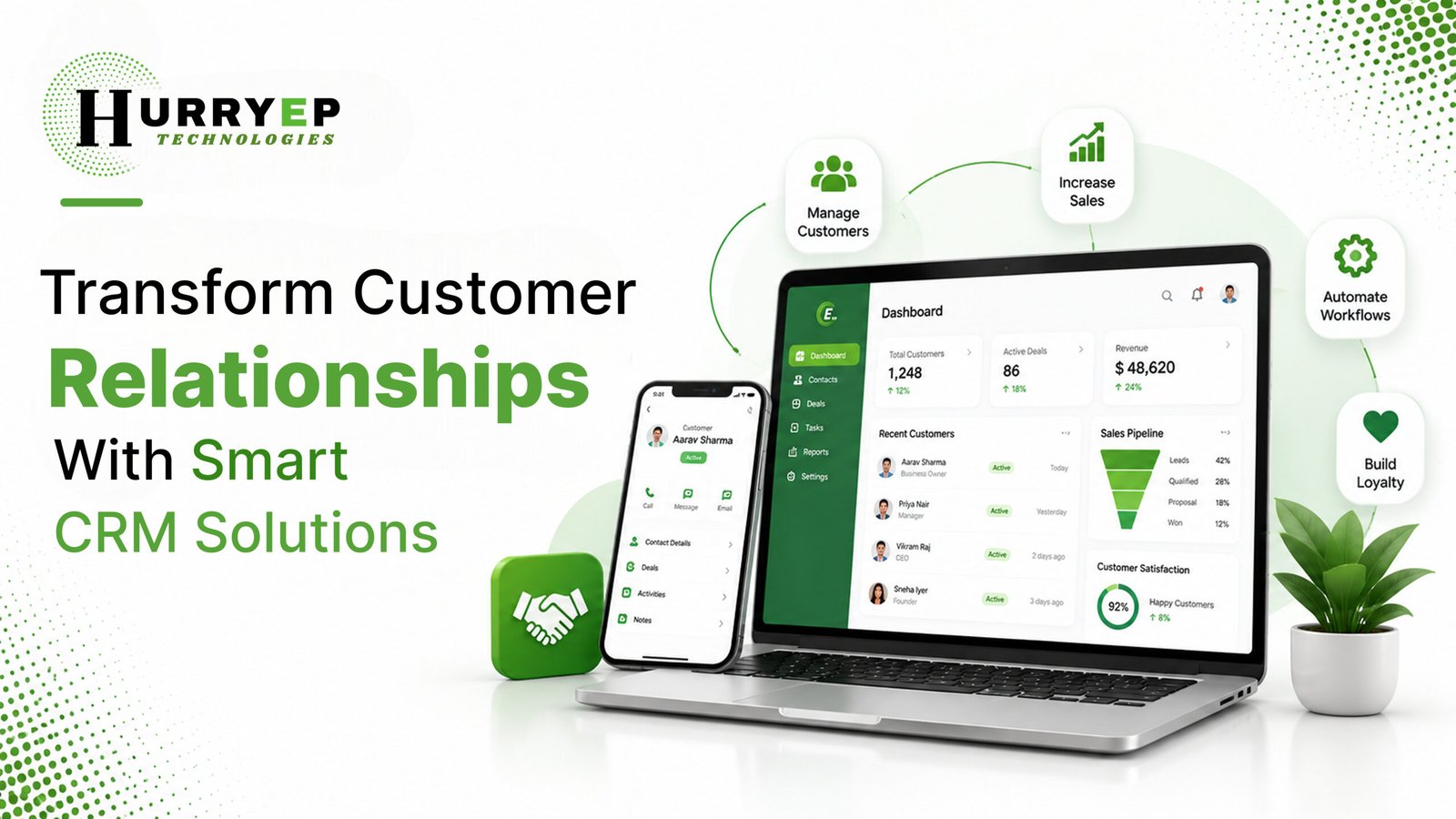
Customer Relationship Management (CRM) refers to both a strategy and a software system businesses use to manage interactions with current and potential customers. At its core, CRM software centralizes customer data, communication history, and sales activity into one accessible platform.
Instead of hunting through emails or spreadsheets to find a customer’s last conversation, a CRM system gives your entire team instant visibility into every interaction. This makes it easier to follow up on time, close deals faster, and build long-term customer relationships.
Whether you’re a two-person startup or a growing enterprise, manual customer tracking eventually breaks down as your business scales.
A business CRM solves each of these problems by giving every team member a single, reliable source of customer truth.
Not all CRM systems serve the same purpose. Understanding the main categories helps you choose the right fit.
Most modern platforms, including H-CRM, blend elements of all four to give businesses a well-rounded system rather than forcing them to choose just one approach.
When evaluating CRM software, certain features consistently separate genuinely useful platforms from bloated, hard-to-use ones.
The specific benefits shift slightly depending on business size, but the core value remains consistent across the board.
For small businesses:
For larger businesses:
Across both, the core CRM benefits are the same: better organization, faster follow-ups, and stronger customer retention.
Comparison | Manual/Spreadsheet Approach | CRM System |
Customer Management | Scattered across files and inboxes | Centralized in one platform |
Sales Process | Manual tracking, easy to miss steps | Automated stages and reminders |
Business Size Fit | Works only for very small teams | Scales from startups to enterprises |
Follow-Ups | Relies on memory or manual notes | Automated reminders and triggers |
Reporting | Manual, time-consuming | Real-time dashboards and analytics |
Team Collaboration | Limited, siloed information | Shared visibility across teams |
Overall Benefit | Simple but unreliable at scale | Reliable, scalable, and data-driven |
Selecting the right CRM for small business or enterprise use depends on a few key factors:
If you’re searching for the best CRM service in Madurai, prioritize a provider who understands local business needs and offers hands-on implementation support rather than a generic, one-size-fits-all platform.
Choosing the right platform is only half the equation — implementation and ongoing support matter just as much. This is where H-CRM, the CRM solution from Hurryep Technologies, stands apart.
H-CRM helps businesses centralize customer information, manage leads efficiently, and track sales opportunities from first contact through closed deal. Instead of juggling multiple tools, H-CRM brings everything into one streamlined platform.
With H-CRM, businesses can:
H-CRM serves a wide range of business types, including:
By reducing manual work and centralizing customer data, H-CRM helps teams collaborate more effectively and build stronger, longer-lasting customer relationships. It’s part of Hurryep’s broader portfolio of CRM and digital transformation solutions built for businesses that want to scale without losing control of their customer relationships.
[Image suggestion: Screenshot of H-CRM’s lead tracking and analytics interface — Alt text: “H-CRM dashboard showing lead tracking and sales analytics”]
CRM stands for Customer Relationship Management, referring to software that centralizes customer data, communication, and sales activity in one platform.
Yes. Even small teams benefit from centralized lead tracking and automated follow-ups, which prevent enquiries from being lost as the business grows.
Spreadsheets require manual updates and offer no automation, while a CRM system automates follow-ups, tracks pipeline stages, and provides real-time reporting.
Simple setups can be operational within days, while more complex implementations with data migration and custom workflows may take a few weeks.
Yes, most modern CRM platforms, including H-CRM, integrate with email, WhatsApp, and marketing automation tools to centralize communication.
Businesses in Madurai looking for hands-on CRM setup and support can reach out to Hurryep Technologies, which offers H-CRM along with full implementation and training.
A well-chosen CRM system transforms scattered customer data into an organized, actionable resource that drives real business growth. This Best CRM guide should give you a clear starting point, whether you’re comparing platforms for the first time or looking to replace an outdated system.
The right CRM doesn’t just organize information — it actively supports better follow-ups, stronger relationships, and more predictable revenue growth over time.